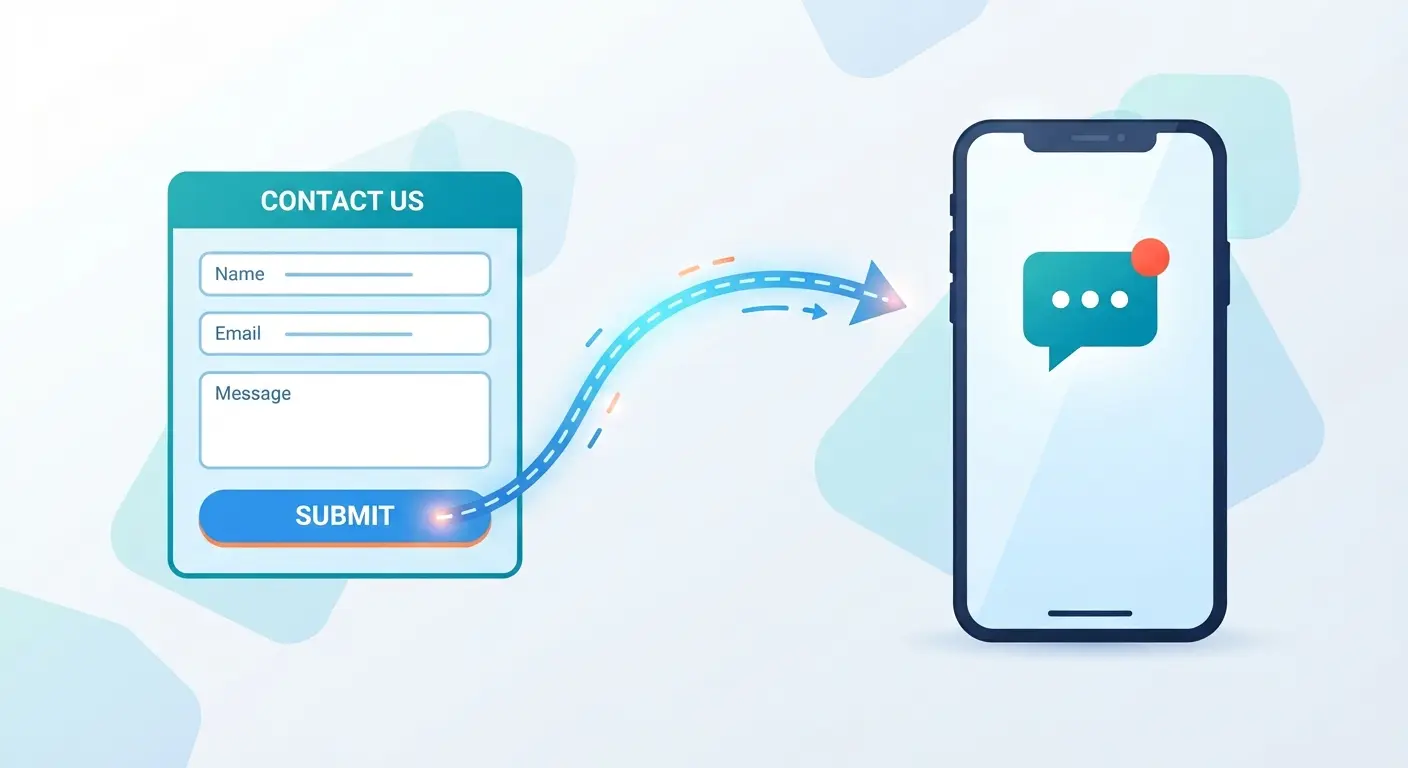
How a Lead Automation Workflow Turns a Form Submission Into a Text on Your Phone
This workflow sends new form leads directly to your phone via text in seconds while updating your CRM and calendar automatically. Fast responses make leads seven times more likely to qualify, helping contractors close jobs without getting stuck in a slow email inbox. Built directly into your site, it stops leads from slipping through the cracks.
A lead automation workflow moves a new website form submission through four automatic steps before you ever see your phone light up: an instant SMS alert, a CRM sync, a calendar booking, and a client portal setup. No one on your team has to trigger any of it.
- 1Instant SMS alert — you get a text the moment the form submits.
- 1CRM sync — the lead's details are written into your CRM automatically.
- 1Calendar scheduling — a diagnostic call slot is booked based on the time the lead selected.
- 1Client portal setup — a workspace is created under the lead's email, ready before you've called them back.
Key Takeaways
- A lead automation workflow completes all four steps in the same few seconds it takes a browser to refresh after form submission.
- Leads contacted within an hour are about seven times more likely to qualify than leads contacted even one hour later, according to a 2011 Harvard Business Review study.
- A webhook, not a plugin or a shared inbox, is what makes the four steps fire without anyone touching them.
- Automation removes the queue entirely. There is no manual step left to forget.
An Instant SMS Alert Reaches Your Phone First

An SMS dispatcher sends a text to your phone the instant a lead submits your form. There is no dashboard to check and no inbox to refresh.
A form that only sends an email is not the same thing. Email gets buried in a queue, and most contractor sites still route leads that way. A text does not sit in a queue, which is why the first step in this workflow is a message on your phone, not a notification you have to go looking for.
That text is only the first handoff. The same lead is already moving into your CRM.
The Lead Syncs to Your CRM Automatically
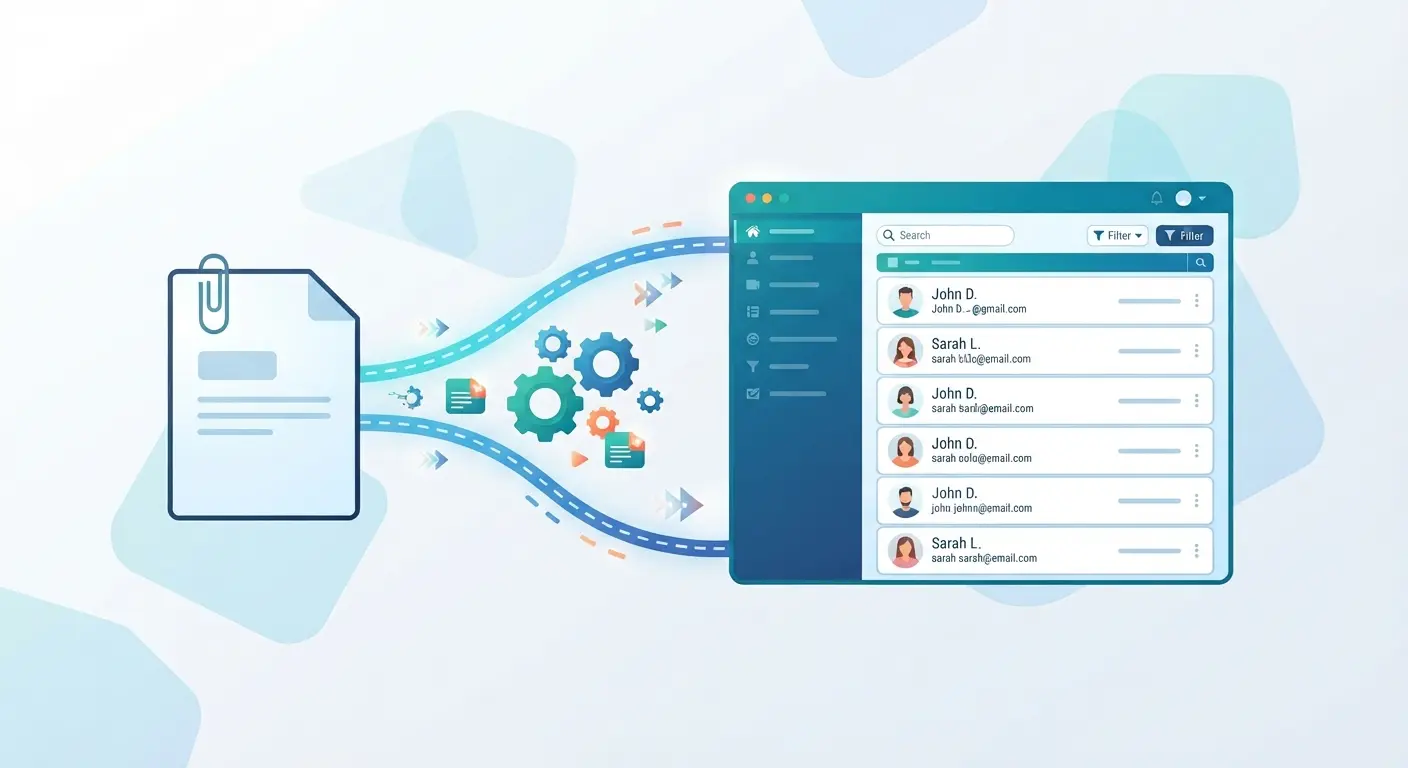
A CRM lead sync writes the lead's name, business, service interest, and timestamp into your CRM the moment the form submits, through a webhook. A webhook is a small, automatic handoff between two pieces of software, in this case your website and your CRM, so no one copies a phone number by hand.
Most of the automation tools built for this problem, the Zapier and n8n templates you'll find if you search this topic, are built for the same handoff. What they don't cover is what happens when that handoff quietly fails, which is where the workflow needs to be engineered, not just templated. More on that below.
The lead already has a full record before you've said a word to them.
A Diagnostic Call Gets Scheduled on Your Calendar
If the lead picked a time slot on the form, that slot books directly into your calendar as part of the same automated sequence. There is no back-and-forth email to find a time that works for both sides.
The diagnostic call is already on your calendar by the time the SMS alert reaches your phone.
A Client Portal Workspace Gets Created
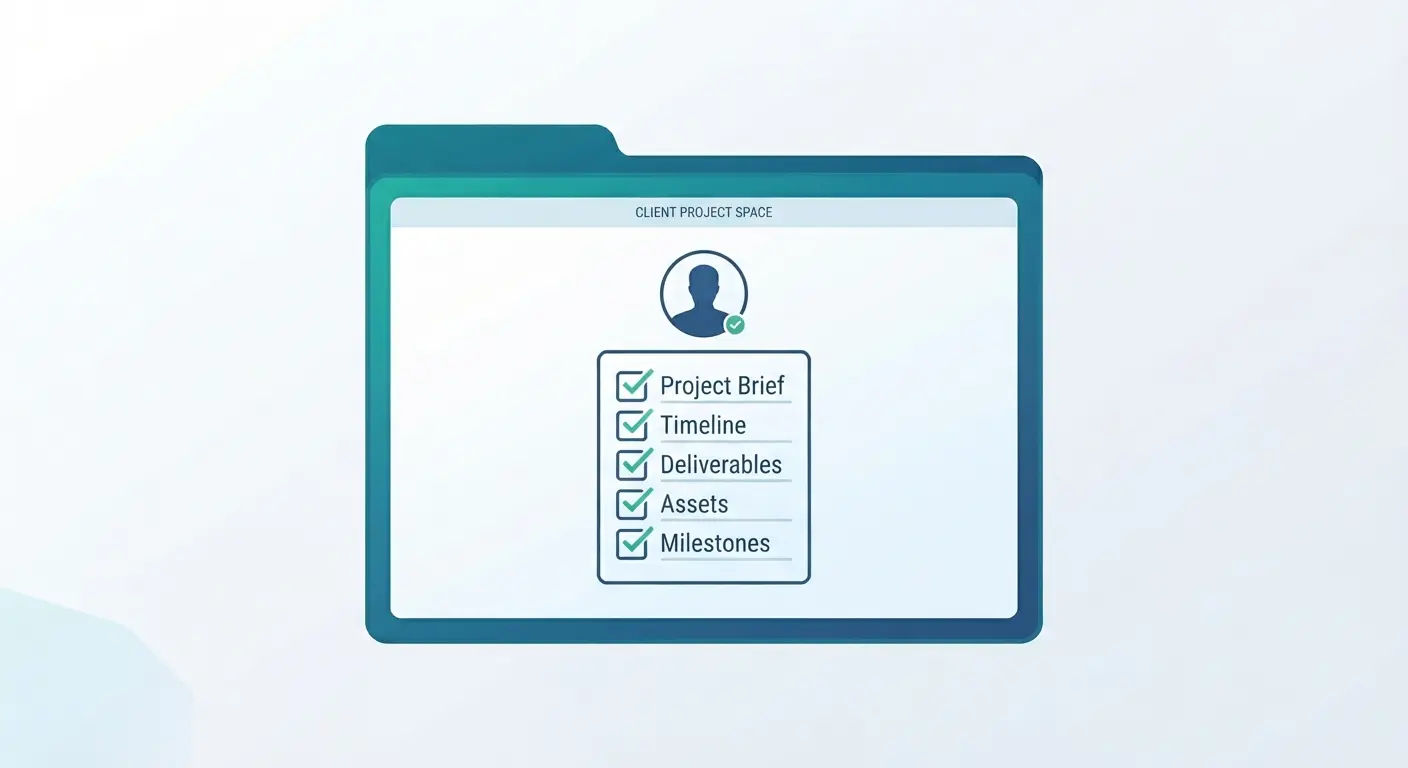
A workspace is created under the lead's email in your client portal, the last step in the sequence. Reporting, documents, and project updates will eventually live there, provisioned automatically instead of set up by hand after the first call.
Why a Few Seconds Actually Matters
A 2011 Harvard Business Review study by James Oldroyd, Kristina McElheran, and David Elkington tracked over 100,000 call attempts across thousands of leads. It found that leads contacted within an hour were about seven times more likely to qualify than leads contacted even one hour later.
Most contractor websites still run on a form that just sends an email to a shared inbox. A team member gets to it when they get to it, and that gap is exactly where the study's numbers turn against you.
A lead automation workflow like this one closes that gap by removing the manual step completely. There is nothing left to forget, because there is no queue in the first place.
What Breaks in the Template Versions
Every automated lead workflow I've built for a contractor client has run into the same failure mode at least once: a CRM changes a field name, or a webhook silently stops firing, and the business owner doesn't find out until a lead mentions they never got a callback.
A no-code template will fire the same four steps, but it usually fails the same way, quietly. It does not tell you it failed. The fix is not a fancier automation tool. It is building in a way to notice when a step doesn't complete, so a missed sync is a five-minute fix instead of a lost job you never hear about.
Built Into the Site, Not Bolted On
This workflow is not a plugin or a third-party form tool duct-taped onto a slow site. It is part of how I architect custom systems and automation for every client from day one, so the lead workflow and the website run as one system instead of two tools trying to talk to each other.
Frequently Asked Questions
Does this work if I already use a CRM I like?
Yes. The webhook connects to whatever CRM you already run, so switching tools isn't part of the process. The workflow writes into your existing CRM rather than replacing it.
What happens if a lead submits the form outside business hours?
All four steps still fire immediately, at 2 a.m. or on a Sunday. The SMS alert, CRM sync, and calendar booking don't wait for office hours, though you'd still call the lead back during reasonable hours.
Do I need to buy separate SMS software to get instant text alerts?
No. The SMS dispatch is built into the workflow itself, not a separate app you manage. It's part of how the site is architected, not an add-on subscription.
Can this be added to my current site, or do I need a full rebuild?
It depends on how your current site is built. A site built on a flexible, custom platform can often have this layered in; a heavily templated or plugin-based site usually needs more rework to support it cleanly.
Built Into the Site, Not Bolted On
This workflow is not a plugin or a third-party form tool duct-taped onto a slow site. It is part of how I architect custom systems and automation for every client from day one, so the lead workflow and the website run as one system instead of two tools trying to talk to each other.
Fix Your Lead Workflow Today
Send a message to build an automated system that texts you the second a lead comes in.