
How a Lead Goes From Form Submission to a Text on Your Phone
 Miguel Umbac· SEO, Web Development & Automation
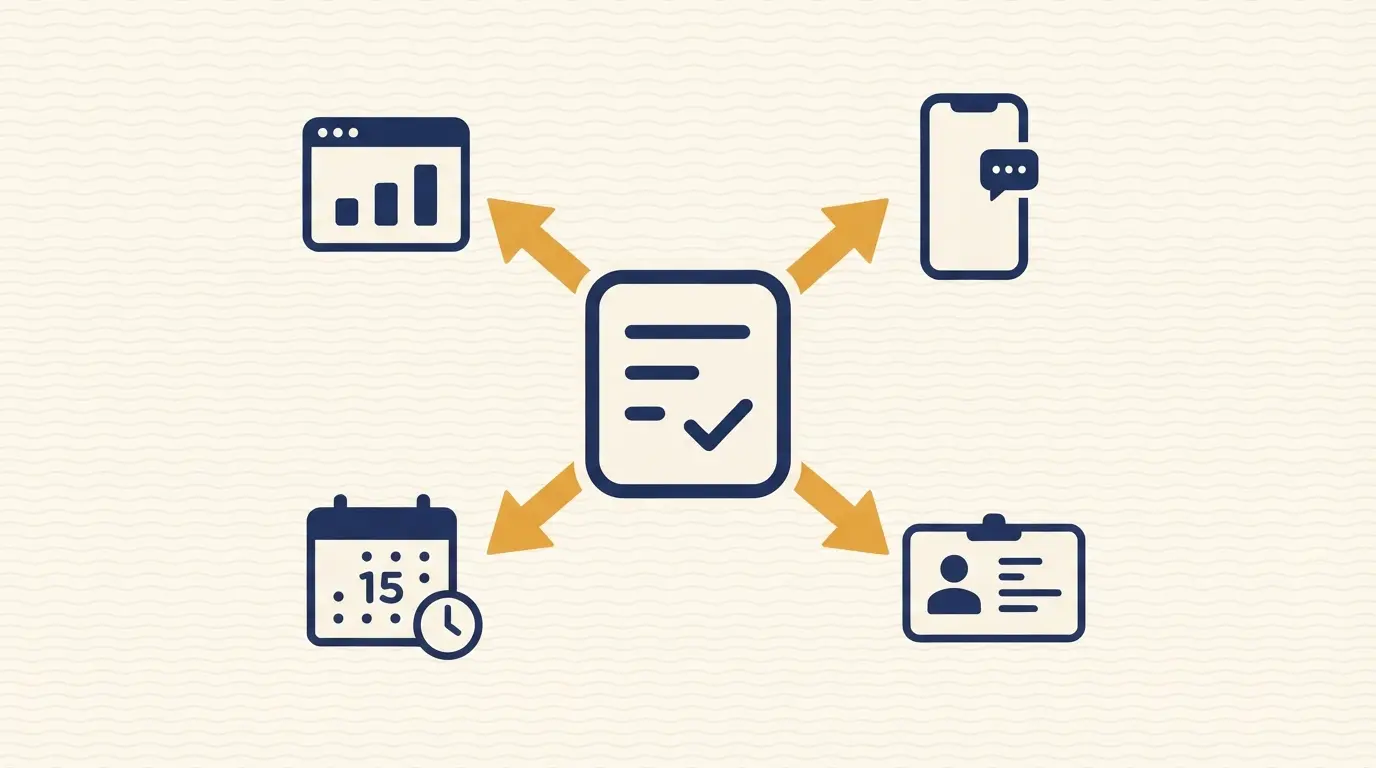
When someone submits your form, four things happen automatically: a text goes to your phone, the lead lands in your CRM, a slot opens on your calendar, and it shows up in your client portal. All of it happens in the few seconds it takes the customer's browser to refresh.
- Submitting a form triggers four automated actions at once: an SMS alert, a CRM entry, a calendar hold, and a portal update.
- No person has to manually copy a name and number into a spreadsheet or CRM.
- The system runs on a webhook, a small automatic handoff between two pieces of software, not a person watching an inbox.
- Bot submissions and accidental double-clicks are filtered out before any of the four steps fire, so they don't burn a text credit or create a fake lead.
- If the reply to the customer includes any promotional language, it changes what consent you legally need to have collected first.
The Four Steps That Happen Automatically
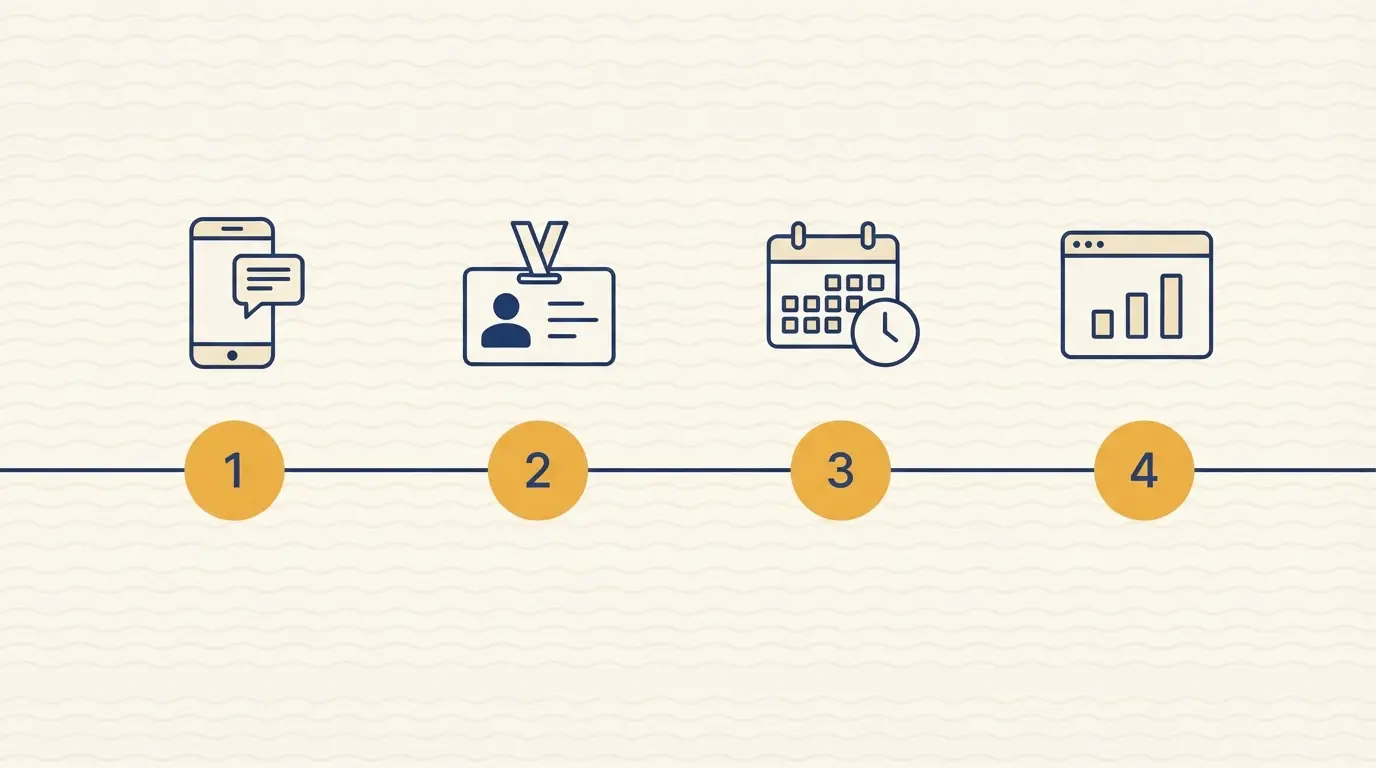
Each of these happens within seconds of a form submission, in this order:
- 1. An instant text alert goes to your phone. The moment the form is submitted, a text message lands on your phone with the customer's name, number, and what they need. You know about the lead before you've finished your current call.
- 2. The lead is added to your CRM. A CRM, short for customer relationship management software, is where you track every customer from first contact to finished job. The new lead is created there automatically, with the same details from the form, so nothing has to be typed in twice.
- 3. A slot opens on your calendar. Based on the service requested, the system checks your calendar and holds a realistic appointment window, so you're not manually cross-checking availability before calling the customer back.
- 4. The lead shows up in your client portal. If you use a client portal, a private dashboard where you and your team can see active jobs and leads in one place, the new lead appears there too, tagged with its source and status.
What's Actually Running Behind the Scenes
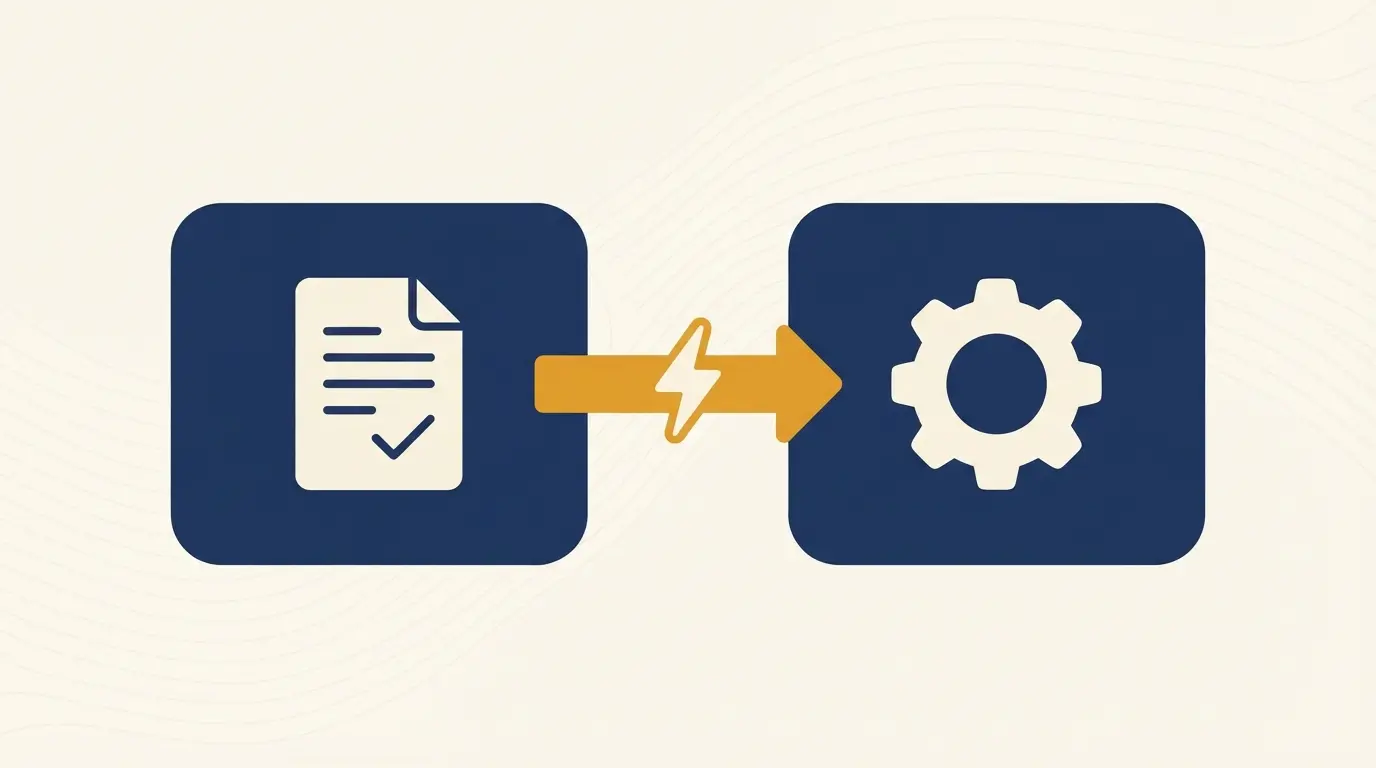
None of this happens by magic. It runs on a webhook: a small, automatic handoff where one piece of software tells another "this just happened, here's the data." When your form is submitted, it fires a webhook that carries the customer's info to a single function that handles everything else.
That function checks the submission for the basics (a real phone number, a filled-in service field), then fires off the four actions above in parallel rather than one after another. Running them at the same time instead of in sequence is what keeps the whole process under a few seconds instead of stacking delays on top of each other.
If any one step fails, like a CRM being temporarily unreachable, the system retries that step without blocking the others. The text alert still goes out even if the calendar API, the connection your calendar app uses to accept a new booking, is briefly down.
What Can Go Wrong, and How This Handles It
A workflow that fires instantly on every form submission has to account for submissions that aren't real customers, or aren't new customers at all. None of the generic automation tutorials for this kind of workflow mention either problem, but both come up in practice.
- Bot submissions. Public contact forms attract automated spam scripts, not just real visitors. Without a filtering step before the four actions fire, a bot submission still triggers a text alert, still creates a CRM record, and still uses up a slot's worth of processing. The fix is a lightweight check before anything else runs: a hidden field bots tend to fill in but humans never see, plus basic pattern checks on the submitted data. It's not perfect, but it stops the obvious junk from reaching your phone or your CRM.
- Duplicate submissions. If a customer double-clicks submit, or their connection is slow and they click again thinking it didn't work, a naive system creates two leads, sends two texts, and might hold two calendar slots for the same job. The fix is an idempotency check: the system remembers a fingerprint of each submission for a short window and ignores an exact repeat instead of processing it twice.

The Consent Question This Raises
The four steps above only text your own phone, so no customer consent question applies yet. That changes the moment you extend this system to text the customer back automatically, which is the natural next step and the one covered in the companion post on speed-to-lead.
Under the Telephone Consumer Protection Act (TCPA), a US federal law governing automated calls and texts, the consent you need depends on what the message says. FCC rules ban automated text messages to a mobile phone unless the recipient already gave consent, and the type of consent required scales with the type of message. A short, non-promotional confirmation that you received their request is generally treated as an informational or transactional message, which needs prior express consent. That consent is reasonably satisfied by the customer voluntarily submitting a form with their phone number for that purpose.
The moment that reply includes any promotional language, like a discount or an upsell, it's treated as marketing instead. Marketing texts need prior express written consent, collected through clear opt-in language on the form itself, not just the act of submitting it.
This isn't a reason to avoid automated texting. It's a reason to keep the automated reply strictly informational (confirming the request, giving a rough response window) and to add a written opt-in checkbox separately if you ever want to send anything promotional through the same channel.
Why This Replaces a Full-Time Front Desk
A business without this system usually has one of two setups: someone manually checking a form inbox throughout the day, or nobody checking it until they happen to notice. Both mean the four steps above get done by hand, one at a time, hours after the customer actually submitted the form.
Hiring someone to sit at a desk and do this instantly, all day, every day, isn't realistic for most trade businesses. This is the kind ofcustom automation I build for contractor clients: the same job, done without a payroll line, and without a lunch break or a 5 p.m. cutoff.
This is also the foundation the rest of a business's lead response actually depends on. How fast that first text goes out determines how much of a head start you get on a customer who's also calling your competitors.
What I've Seen Building This for Contractor Clients
The part clients underestimate isn't the text alert, it's the CRM sync and the bot filtering together. Without the CRM step, the lead lives in a text thread and nowhere else, so nothing tracks whether it ever turned into a job. Without bot filtering, that same CRM fills up with junk fast enough that nobody trusts the numbers in it, which defeats the point of tracking leads there in the first place.
The two problems look unrelated until you've watched a client's CRM go from useful to ignored in a few weeks because nobody filtered the noise out first. Once that trust is gone, people stop checking the CRM at all and go back to running the business out of a text thread, which is exactly the manual process this system was built to replace.
FAQ
Do I need a separate tool for each of the four steps?
No. One system triggers all four from a single form submission. You don't manage four separate tools or logins.
What happens if I don't have a calendar or portal set up yet?
The workflow can run with just the text alert and CRM steps active, and the calendar and portal pieces can be added once those systems exist.
Does this work for phone calls, or only form submissions?
This specific workflow is built around web forms. A missed call triggers a related but separate automatic text-back process.
Do I need customer permission to text them back automatically?
For a short confirmation that you received their request, generally no separate written consent beyond their form submission. For anything promotional sent the same way, yes, and that needs its own opt-in checkbox.
See What's Slowing Your Leads Down
I'll record a free 5-minute audit of your site, no sales call required.
Comments
Join the conversation. All comments are moderated prior to publication.
Leave a Reply
Your email address will not be published. Required fields are marked *
Related Playbooks
More articles matching this topic and category.

What Is Speed to Lead? Why 5 Minutes Beats 30

Local SEO for Electricians